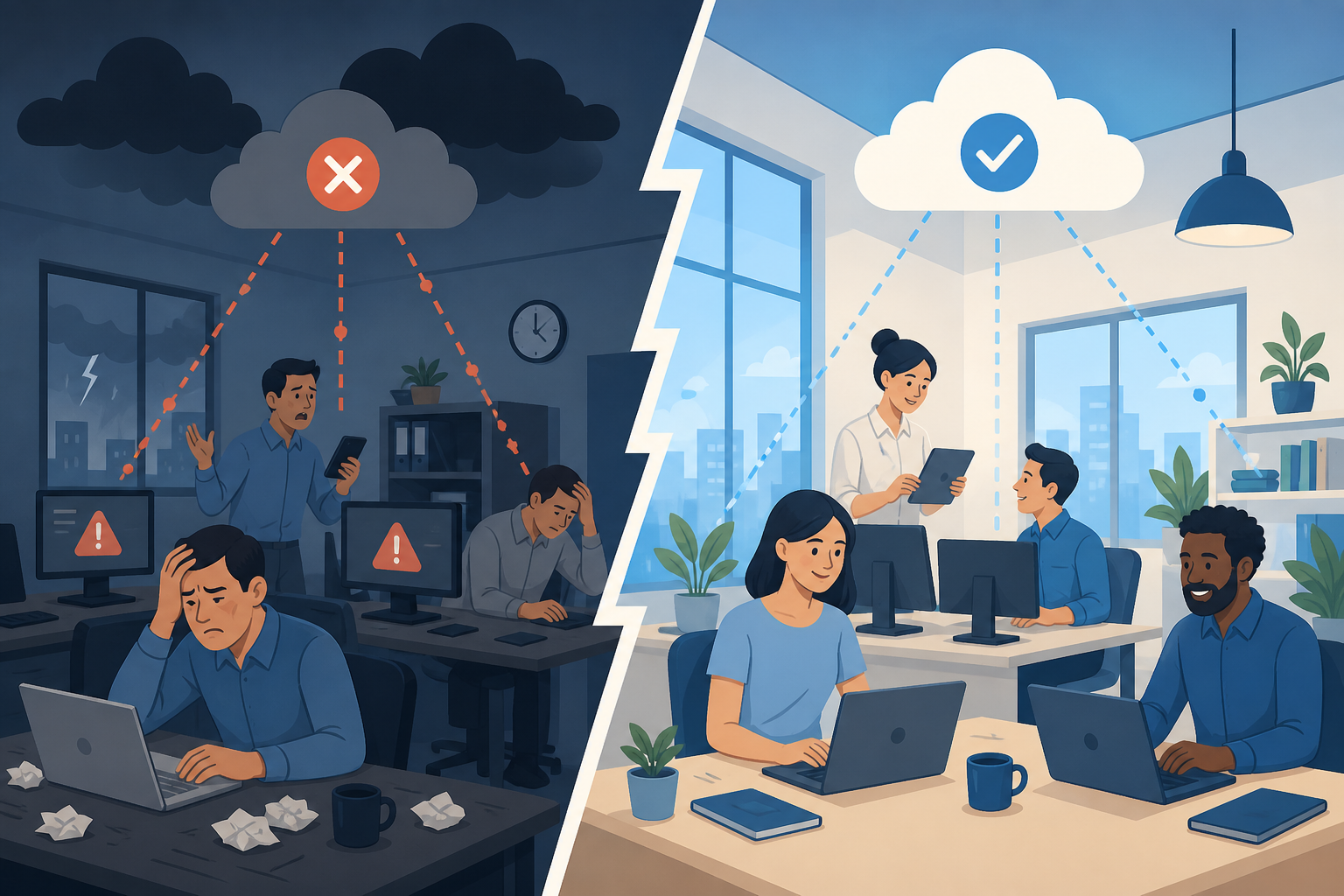
How to Protect Your Business from Cloud Outages in 5 Steps
When Microsoft Azure went down for hours last year, thousands of businesses couldn't access email, files, or critical apps. When AWS experienced regional failures, even giants like Netflix felt the impact. Cloud outages happen to everyone—but smart businesses know how to protect themselves before disaster strikes.
If you're running a South Florida small business, you've probably moved email, file storage, or business applications to the cloud. That's a smart decision for flexibility and cost. But here's what most business owners don't realize: the cloud isn't invincible, and having no backup plan means sitting helpless when your provider goes dark.
The good news? You can learn exactly how to protect your business from cloud outages with practical strategies that keep your team productive even when the cloud fails. Let's walk through what actually works.
Why Cloud Outages Hit Small Businesses Harder
Large enterprises have entire IT departments monitoring systems around the clock. When Microsoft 365 goes down, they switch to backup communication channels, activate redundant systems, and keep operating.
Small businesses? They're usually dead in the water. No email means no customer communication. No file access means no proposals, no invoicing, no work. No cloud apps means your team sits idle while your competitors keep serving customers.
The difference isn't that big companies have bigger budgets—it's that they have a plan. And creating that plan doesn't require an enterprise budget. It requires knowing what to protect and how to protect it.
How to Protect Your Business from Cloud Outages: Local Backup Systems
The first rule of cloud resilience is simple: critical data lives in two places. Always.
We set up automated local backup systems for our clients that continuously sync essential files to on-premises storage. When the cloud goes down, your team still has access to the documents, spreadsheets, and data they need to work. When connectivity returns, everything syncs back up seamlessly.
This isn't about abandoning the cloud—it's about having insurance. Local backups protect you from outages, ransomware, accidental deletions, and service provider failures. For a South Florida business dealing with hurricane season, it also means you can grab that backup device and relocate if needed.
What to back up locally:
- Customer databases and CRM data
- Financial records and QuickBooks files
- Active project files and proposals
- Email archives for the past 90 days
- Any documents needed for daily operations
The right backup system runs automatically in the background. You shouldn't have to remember to back up—it should just happen, every day, verified and tested.
Implement Multi-Cloud and Hybrid Strategies
Putting all your eggs in one cloud basket is a risk. When that provider has an outage, your entire operation stops.
Smart infrastructure design spreads critical services across multiple platforms. Your email might run on Microsoft 365, but your customer database sits on a different cloud platform, and your most essential files sync to both cloud storage and local servers.
This doesn't mean doubling your costs. It means strategic redundancy for your most critical systems. We help South Florida businesses identify which applications absolutely cannot go down, then architect solutions that keep those services available even when one provider fails.
For example, if your company relies on specific cloud applications for customer service, having an alternate communication channel on a different platform means you can still reach customers during an outage. If your accounting software is cloud-based, keeping local copies of recent data means you can continue essential financial operations.
The hybrid approach combines cloud flexibility with local reliability. You get the benefits of cloud computing without the single point of failure that leaves you helpless during outages.
Create Offline Work Procedures
Technology fails. Having a plan for working without it separates businesses that survive outages from those that waste entire days.
When was the last time your team practiced working during a cloud outage? Most businesses never do—and then panic when it actually happens.
Offline work procedures document exactly what your team does when cloud services go down:
- How to access locally-stored files and continue working
- Alternative communication methods (phone, text, backup email)
- Which tasks can proceed without cloud access and which must wait
- How to track work completed offline so nothing gets lost when connectivity returns
- Who to contact for IT support and status updates
We help clients create simple, one-page outage playbooks that every employee can follow. During an outage, there's no confusion—everyone knows exactly what to do, what they can still accomplish, and how to stay productive.
This preparation turns a potential disaster into a minor inconvenience. Your competitors might send staff home during an outage, but your team keeps working and serving customers.
Monitor Cloud Service Health Proactively
Most businesses only discover cloud outages when employees start complaining that nothing works. By then, you're already losing time and money.
Proactive monitoring watches your critical cloud services continuously and alerts you the moment something goes wrong. Often, you'll know about problems before your cloud provider's status page updates.
This early warning gives you time to activate backup procedures, communicate with your team, and switch to alternative systems before productivity completely stops. Instead of scrambling reactively, you're responding from a position of control.
For South Florida businesses, monitoring also tracks performance issues that might not be full outages but still impact productivity. Slow cloud connectivity during peak hours, intermittent access problems, or degraded service all show up in monitoring data—and can often be resolved before they become serious problems.
Good monitoring systems also track your internet connectivity, not just cloud services. Sometimes the "cloud outage" is actually your internet connection, and knowing that immediately changes how you respond.
Partner with an MSP That Understands Infrastructure Resilience
Here's the uncomfortable truth: implementing these protections isn't a one-time project. It requires ongoing management, testing, monitoring, and updates as your business and technology change.
That's exactly what we do for South Florida small businesses every day. We architect resilient infrastructure that keeps you running during cloud outages, internet failures, and other disruptions. We monitor your systems 24/7, maintain your backups, test your recovery procedures, and make sure you're never caught unprepared.
When a cloud outage hits, our clients barely notice. Their teams keep working, customers stay served, and business continues. Meanwhile, competitors scramble to explain why they can't respond to emails or access files.
The difference isn't luck—it's infrastructure designed for resilience rather than just low cost.
Stop Gambling with Your Business Continuity
Cloud outages aren't going away. Major providers will continue experiencing failures—it's the nature of complex technology at massive scale. The question isn't whether another outage will happen, but whether your business will be ready when it does.
You've now learned how to protect your business from cloud outages with practical strategies that work for small businesses. Local backups, multi-cloud architecture, offline procedures, proactive monitoring, and expert infrastructure management keep you running when others go dark.
The businesses that thrive in South Florida aren't the ones that never face technology problems—they're the ones that have smart systems in place to handle problems without missing a beat.
We'd love to show you exactly where your current infrastructure is vulnerable and how to fix those gaps before the next outage hits. Our Free Tech Assessment identifies your biggest risks and maps out practical solutions that fit your business and budget.
Stop Losing Hours to Bad Tech. Get your Free Tech Assessment and discover how to build real resilience into your infrastructure. Call or text us at 954-787-3288 or visit stsitsupport.com/smart-IT to get started. Let's make sure the next cloud outage is your competitors' problem, not yours.